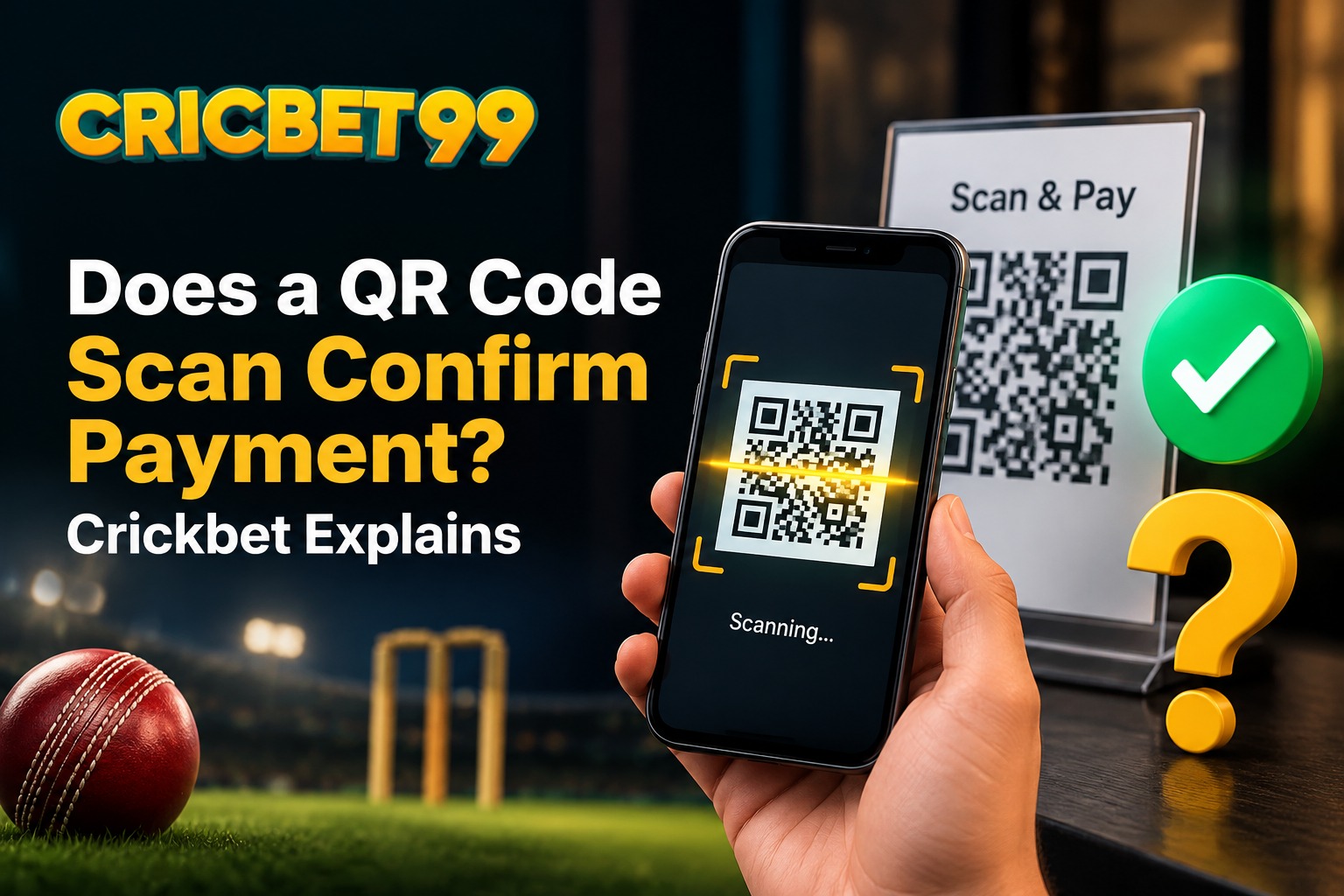
Digital payments have become the norm for quick and convenient transactions, but they have also led to a common misconception. Many users assume that scanning a QR code automatically means their payment is complete. In truth, scanning is only the first step, not the final proof that money has actually been transferred.
What Happens When You Scan a QR Code
A QR code simply connects you to a payment gateway. Scanning it does not instantly transfer funds from one account to another. Instead, it opens a payment interface where you still need to enter the amount, confirm the transaction, and wait for the system to process it fully.
Several steps take place in the background before a payment is truly completed:
- The banking or wallet server verifies your account details
- The system checks for sufficient balance
- A confirmation request is sent to finalize the transfer
- The amount is only credited once all verification steps succeed
If any of these steps face a delay due to network issues, server errors, or incorrect details, the payment may fail even though the QR code appeared to scan successfully.
Why This Confusion Happens So Often
Since scanning a QR code feels quick and seamless, many users assume the entire payment process is instant as well. This assumption can create problems, especially with real-money platforms, where users deposit funds to place wagers. If someone scans a QR code to add money to their Crickbet account but exits the app before seeing the final confirmation, they may believe the deposit went through when it actually did not.
Common Mistakes to Avoid
A few frequent errors include:
- Closing the payment app immediately after scanning
- Skipping the transaction status confirmation
- Assuming a scan alone means payment success
- Ignoring notifications about failed or pending transactions
How Crickbet Keeps Transactions Transparent
Platforms like Crickbet are built to ensure clarity and security throughout the payment process. Every transaction linked to a Crickbet account passes through a verification system that confirms whether the deposit was successful before the balance is updated. This helps users avoid confusion and ensures their account always reflects accurate information.
Reliable transaction tracking is especially important for users who deposit money frequently, as it ensures their funds are safely added and ready to use without unnecessary delays or discrepancies.
What You Should Check After Scanning
To stay on the safe side, always follow these steps after scanning a QR code for a deposit:
- Wait for the final confirmation message on your screen
- Check your bank statement or transaction history
- Log in to your Crickbet account to verify the updated balance
- Avoid closing the app before confirmation is displayed
Final Thoughts
Scanning a QR code is only the beginning of a payment process, not confirmation that money has been successfully transferred. Recognizing this difference can help users avoid unnecessary confusion, especially when managing real-money accounts. Whether you are funding your Crickbet account or double-checking a recent transaction, always wait for confirmation before assuming your payment is complete.